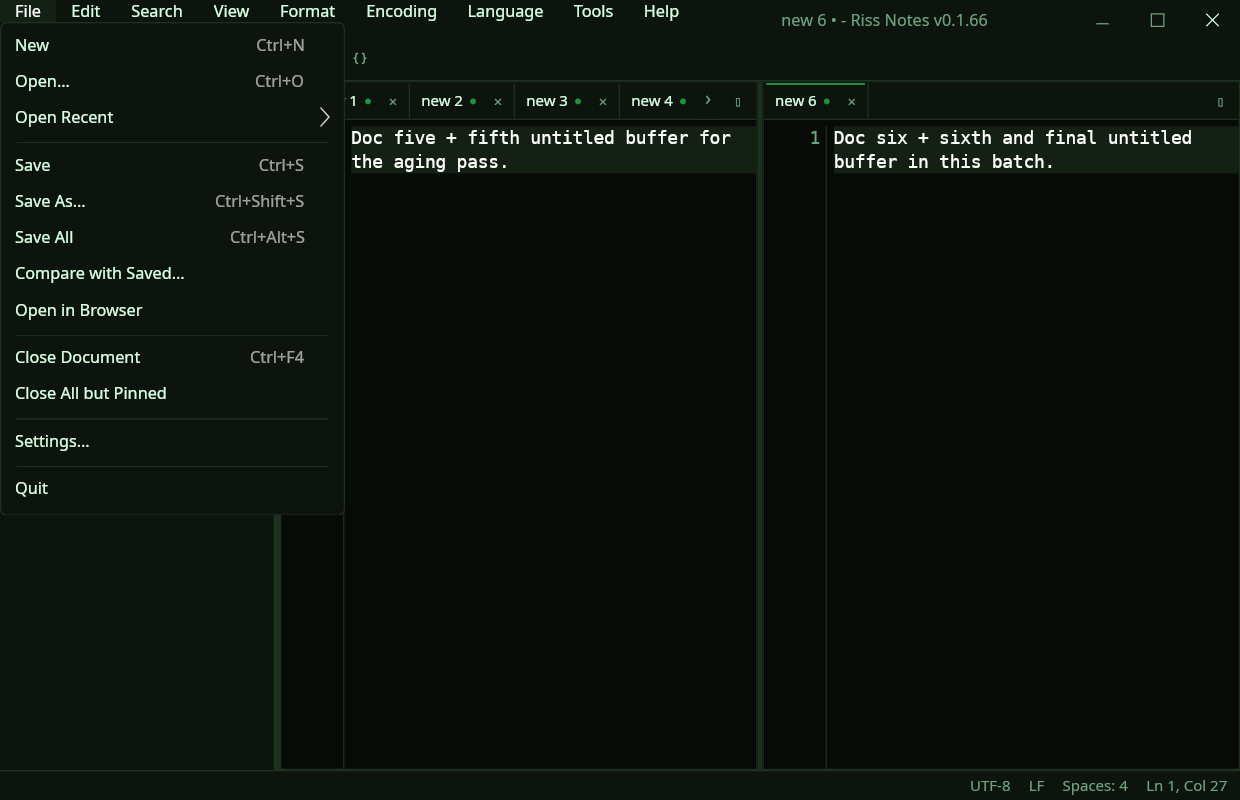
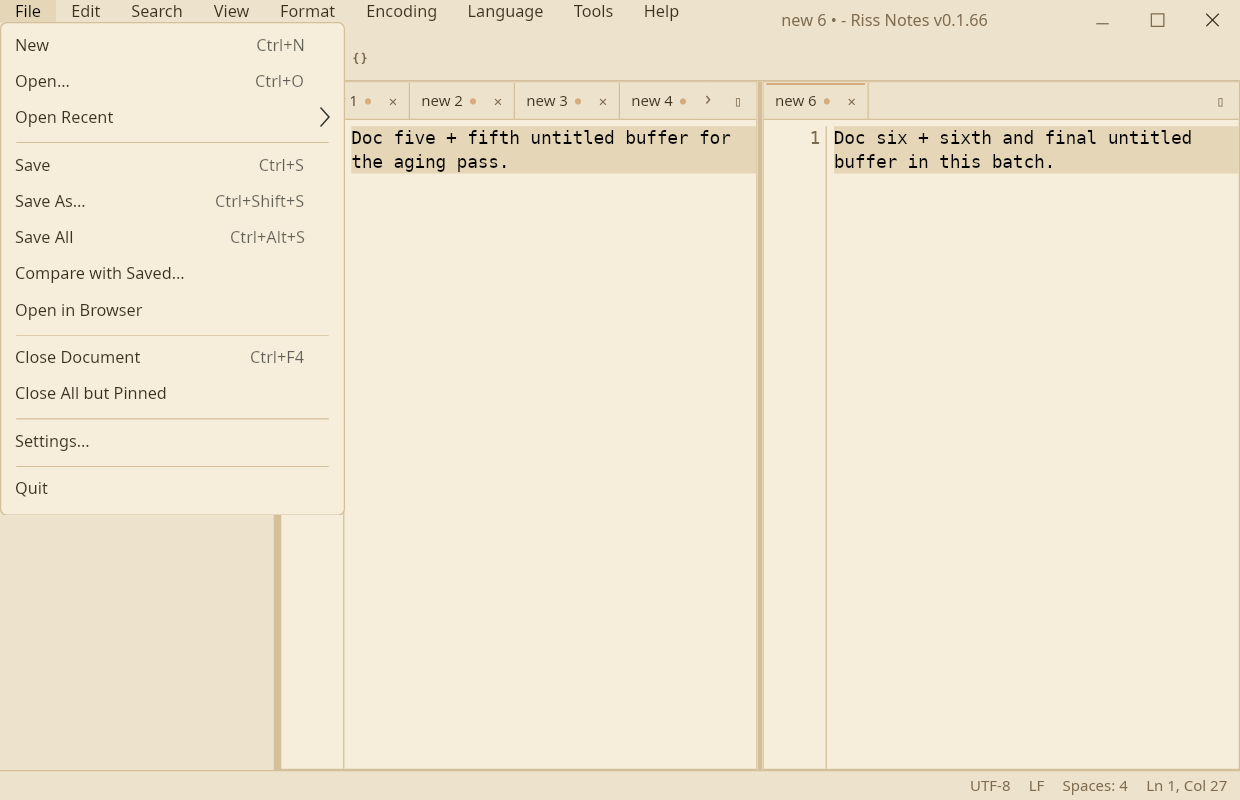
A fast, plain text editor that remembers everything.
Riss never asks you to save. Close it mid-sentence and the sentence is there tomorrow, caret and all. Underneath that promise sits a proper editor: real editing tools, syntax highlighting, panes, search, and themes that reach every corner of the app.
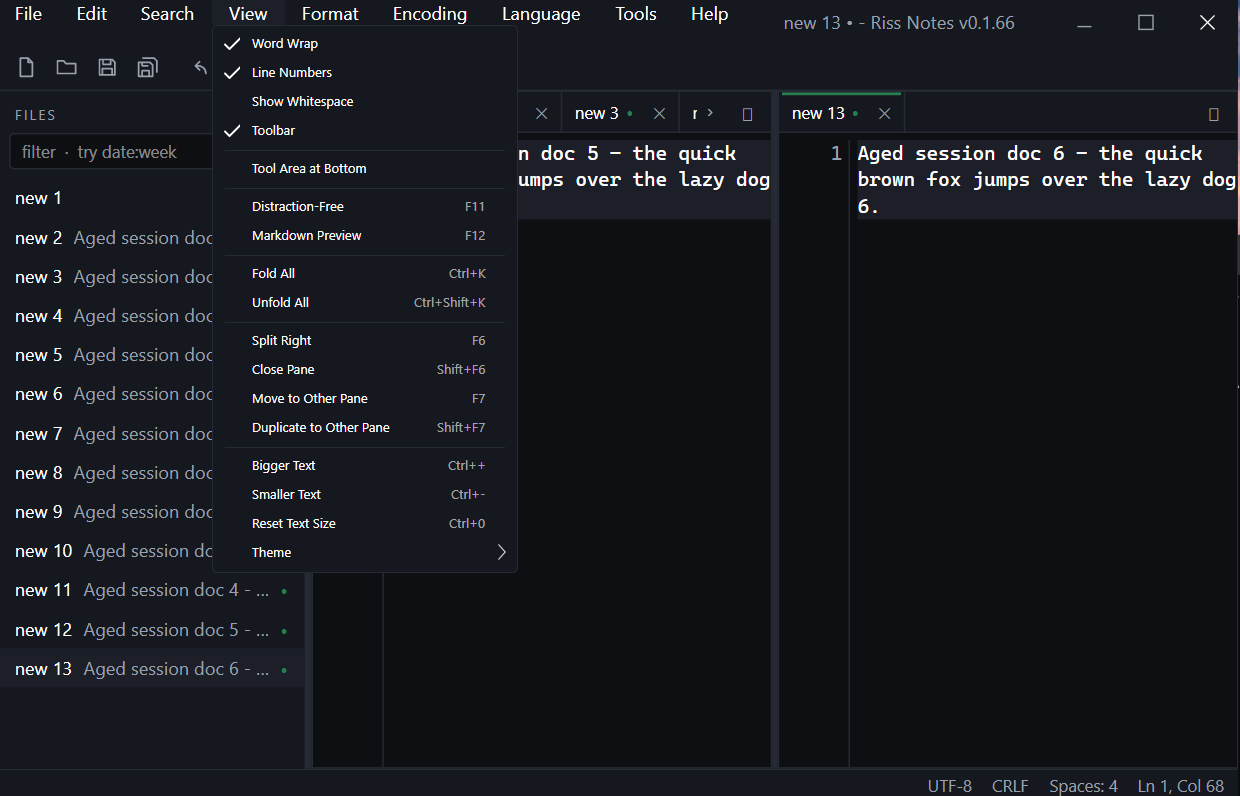
The session is the save.
Most editors treat unsaved work as a problem. Here it is the normal state of things.
Quit whenever
Untitled documents, unsaved edits, your panes, tab order, carets and bookmarks are all restored on the next launch. Restart the machine if you like.
Files when you want them
Anything can still be saved as an ordinary file with Ctrl+S, byte for
byte. Files changed or deleted behind your back get flagged instead of lost.
No ceremony
No exit prompt, no recovery wizard, no project files. One editor, your documents, and a second launch that looks exactly like the moment you left.
An editor, properly equipped.
The toolkit you actually use, without the clutter.
Editing tools
Sort, deduplicate and trim lines. Move, duplicate and delete them. Column selection
with the keyboard or Alt+drag, and one-keystroke editing of every
occurrence of a word.
Twenty languages
Syntax highlighting that follows your theme, with detection smart enough to color a
Dockerfile, a shebang script or an .env file that has no
extension at all.
Search and bookmarks
Find and replace with regex, search across every open document, and a bookmark trail that walks through all of them. Bookmarks survive restarts too.
Panes, tabs and the rail
Split the editor, drag tabs between panes, and keep the file rail as your index: filter it by name, wildcard or date, pin what matters, sort it as a table.
Writing mode
F11 clears everything away: a fixed page column on ruled lines, its own
writing font if you want one. F12 gives any document a live Markdown
preview.
Everyday tools
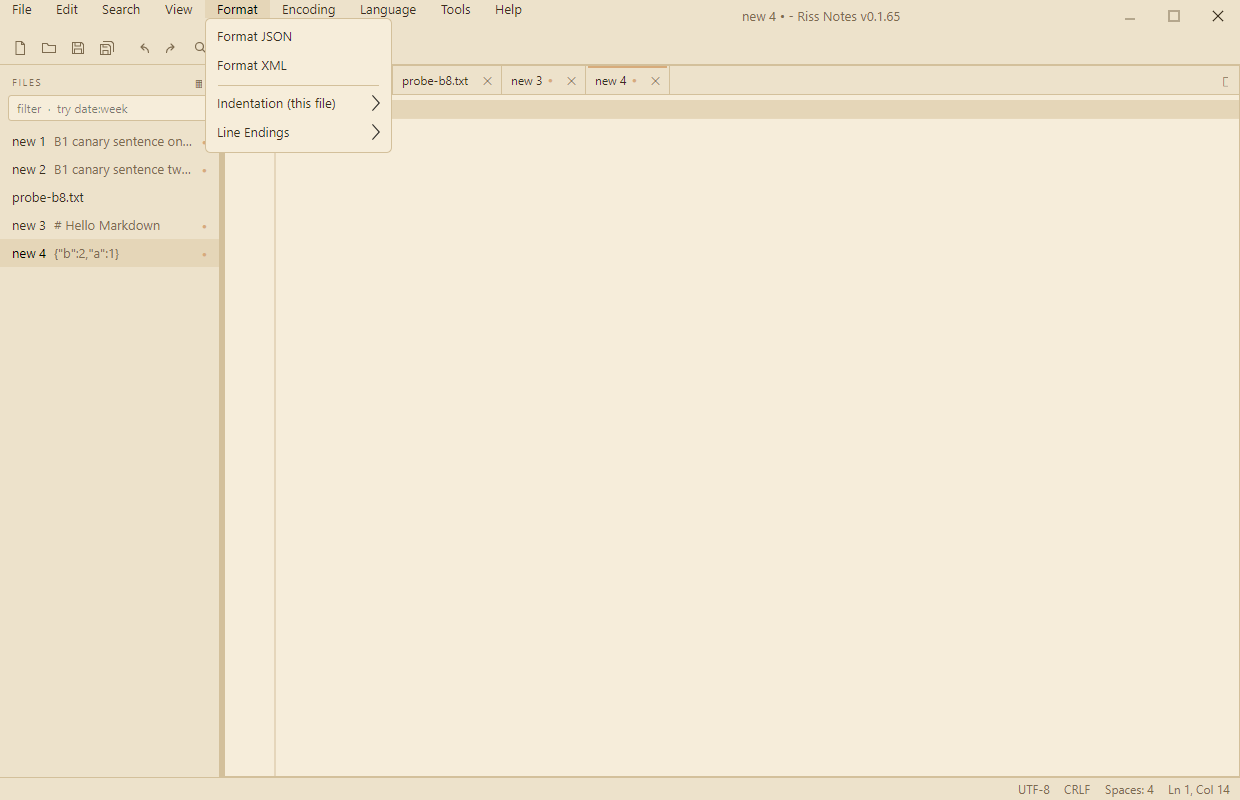
Format JSON and XML, encode and decode Base64, insert GUIDs and timestamps, convert line endings and encodings, and compare a document with what is on disk.
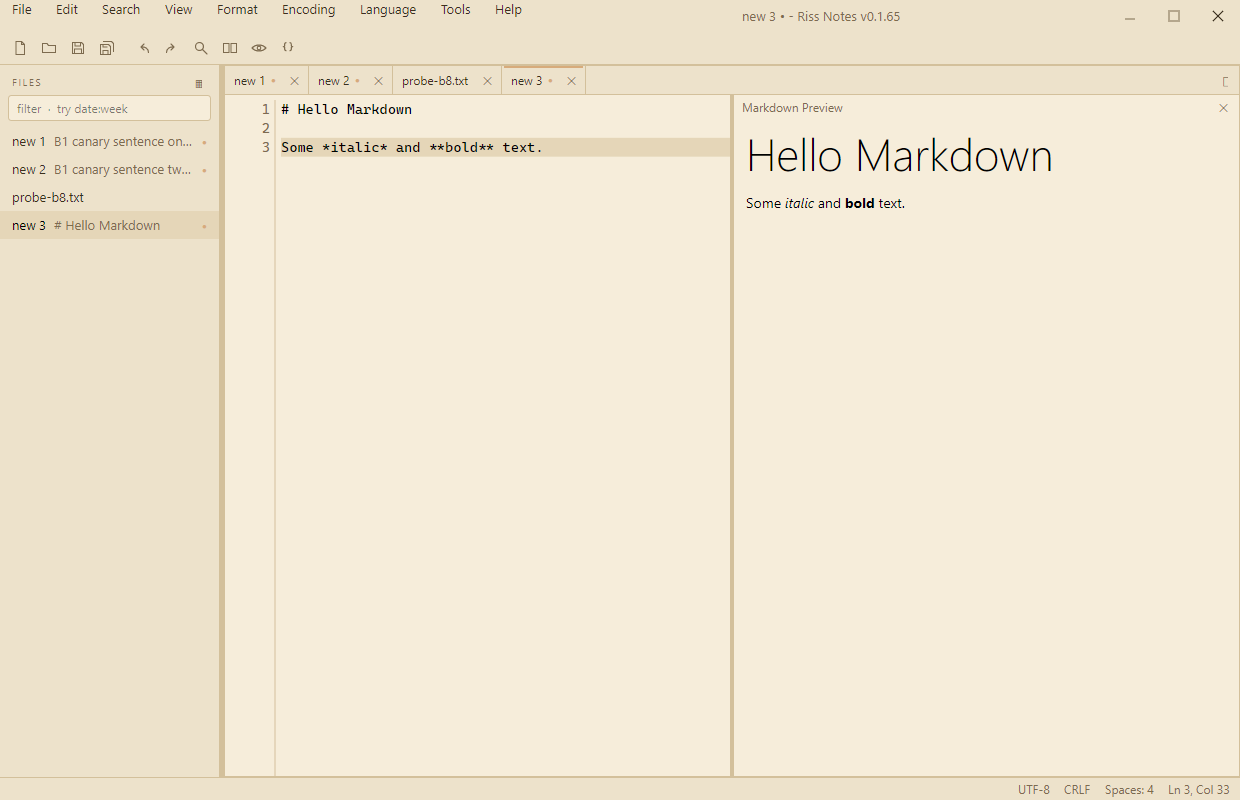
Six schemes, carried all the way down.
Pick a scheme and the whole app follows: menus, dialogs, the editor, and even the taskbar icon, which recolors itself live.